A poorly set up server room is one of the most common causes of unplanned downtime in small companies. Getting it right is mostly about location, power, cooling and keeping things tidy.
Choose the right location
A server room should be its own dedicated space, not a shared storage closet.
- Keep it away from water pipes and windows; moisture and humidity damage electronics.
- Give it a lockable door, and limit access to the people who actually need to be in there.
- Keep the floor clear. Boxes and paper stored in the room are a fire hazard and get in the way.
Power
A UPS (uninterruptible power supply) is a battery backup that kicks in the moment the mains fails.
- Size it for the full load of everything connected.
- Know how long it can hold that load, long enough for a clean shutdown or for a generator to start.
- Label every outlet and cable with what it powers.
- Where possible, put critical servers on a separate circuit from everything else.
Cooling
Heat is the main enemy of server hardware.
- Use cooling built for electronics, not an open door or a room fan.
- Make sure it can actually remove the heat the equipment produces.
- Monitor the temperature and alert if it goes above a safe level.
Cable management
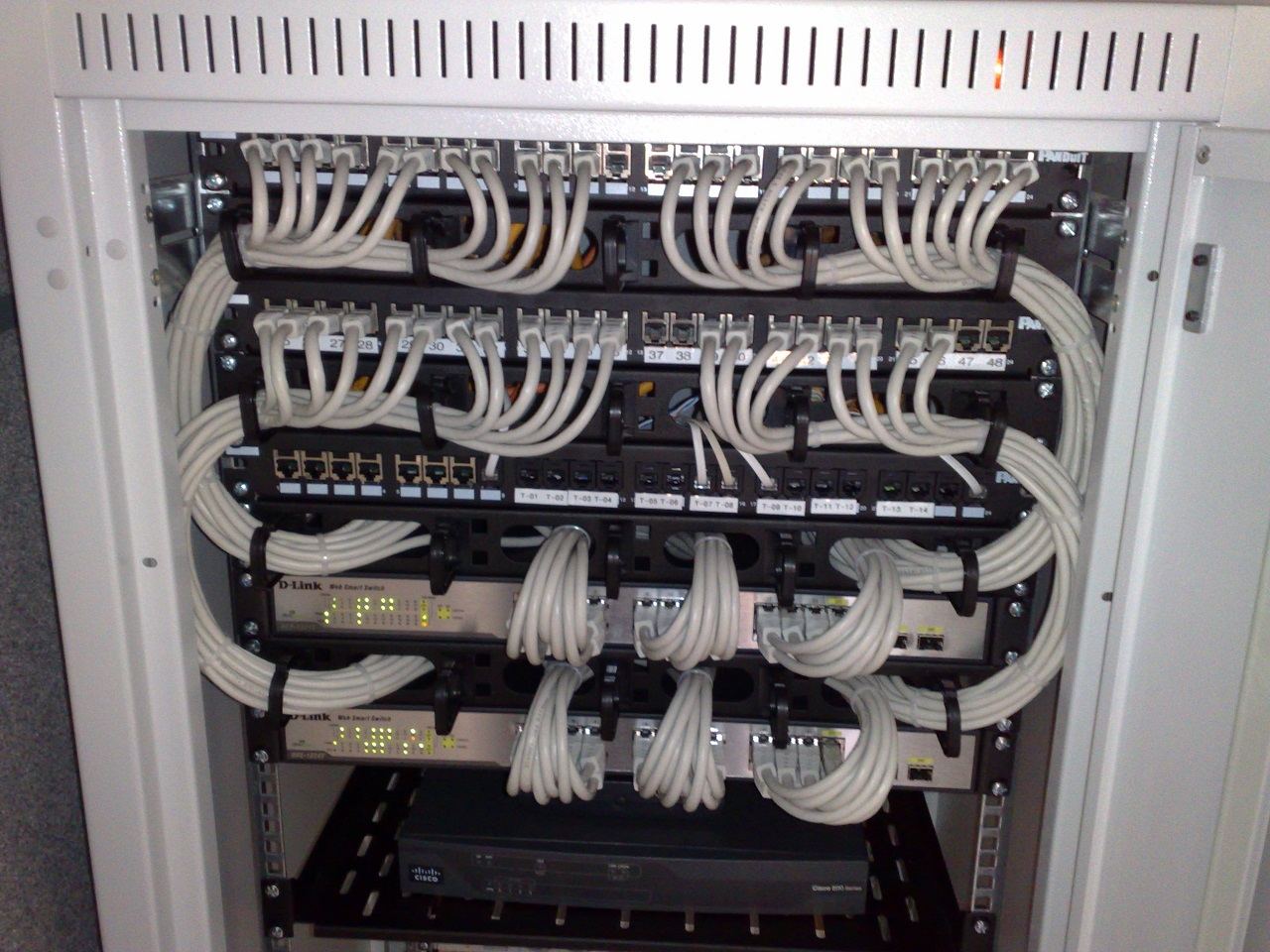
Tidy cabling isn't cosmetic. It stops accidental disconnections and makes troubleshooting far faster when something does go wrong.
- Label both ends of every cable.
- Run power and data cables on separate paths.
- Use racks with enough room to work without disturbing other cables.
- Colour-code by function, one colour for power, another for data.
Fire safety and monitoring
- Install smoke or heat detection, and a fire suppression system suited to electrical equipment.
- Keep a clear path to every piece of equipment.
- Alert on high temperature, high humidity, and power loss or a draining UPS battery, and send the alert to a specific person who will actually act on it.
Documentation
Test the failure plan
Don't wait for a real outage to find out the plan doesn't work. Periodically pull a circuit to check the UPS actually holds the load, and turn off the cooling on purpose to see whether the temperature alert fires in time for someone to respond.
Write down what to do the moment a power or cooling alert comes in, before you need it.