When the internet drops or the Wi-Fi slows down, work stops. You don't need a networking background to catch most of the common problems, just an afternoon and this list.
Know what's on your network
- List every device: computers, printers, VOIP phones, smart devices. Confirm what each one is and where it sits.
- Change default passwords: routers, switches and cameras often ship with factory logins that are public knowledge. Change them.
- Check who has admin access: admin access lets someone change settings, reset passwords, or take down part of the network. Only the people who need it should have it.
Check the physical hardware
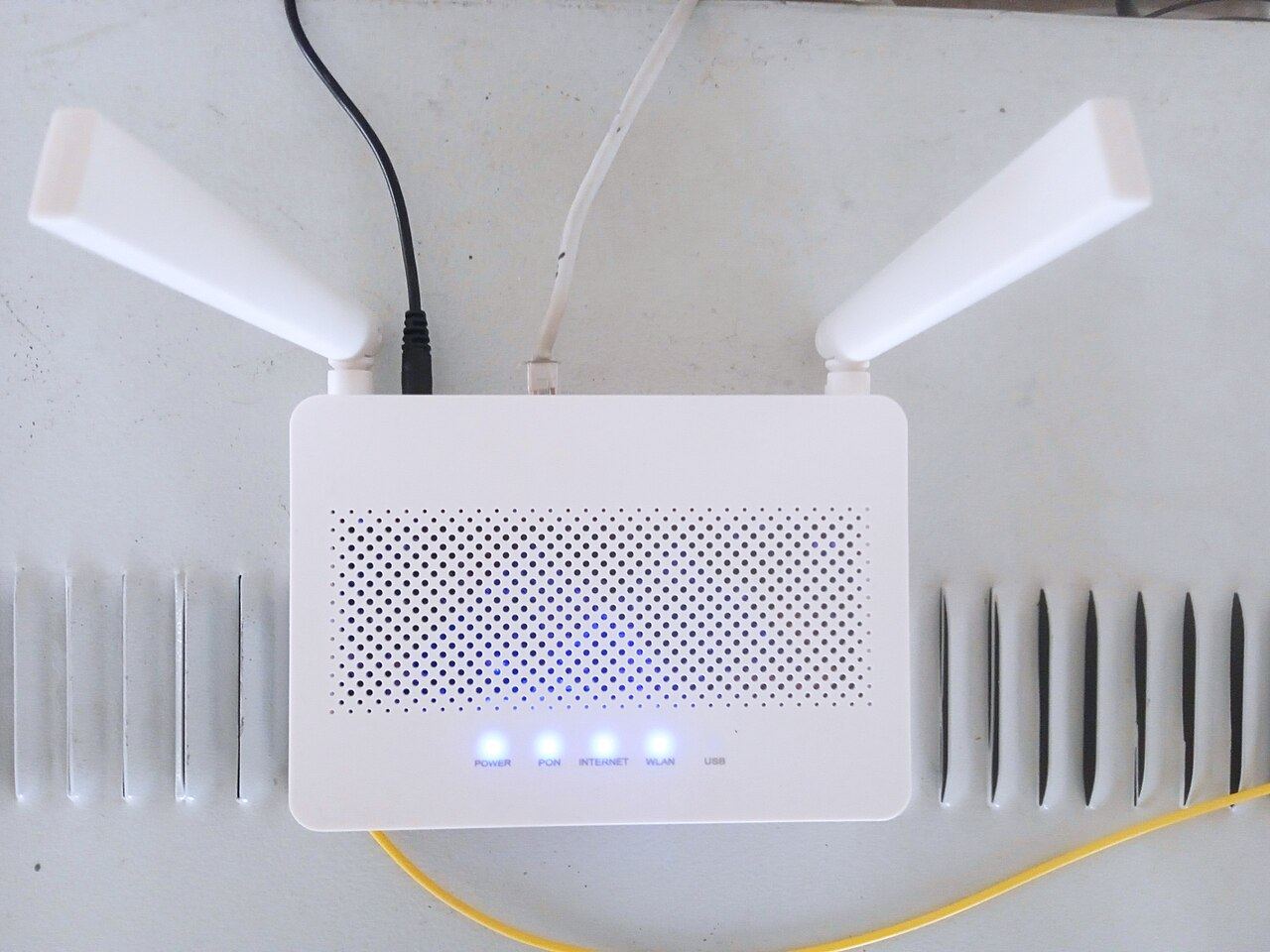
- Update firmware: the software built into routers, switches and access points. Manufacturers patch security holes through it; check the versions and note what's currently running.
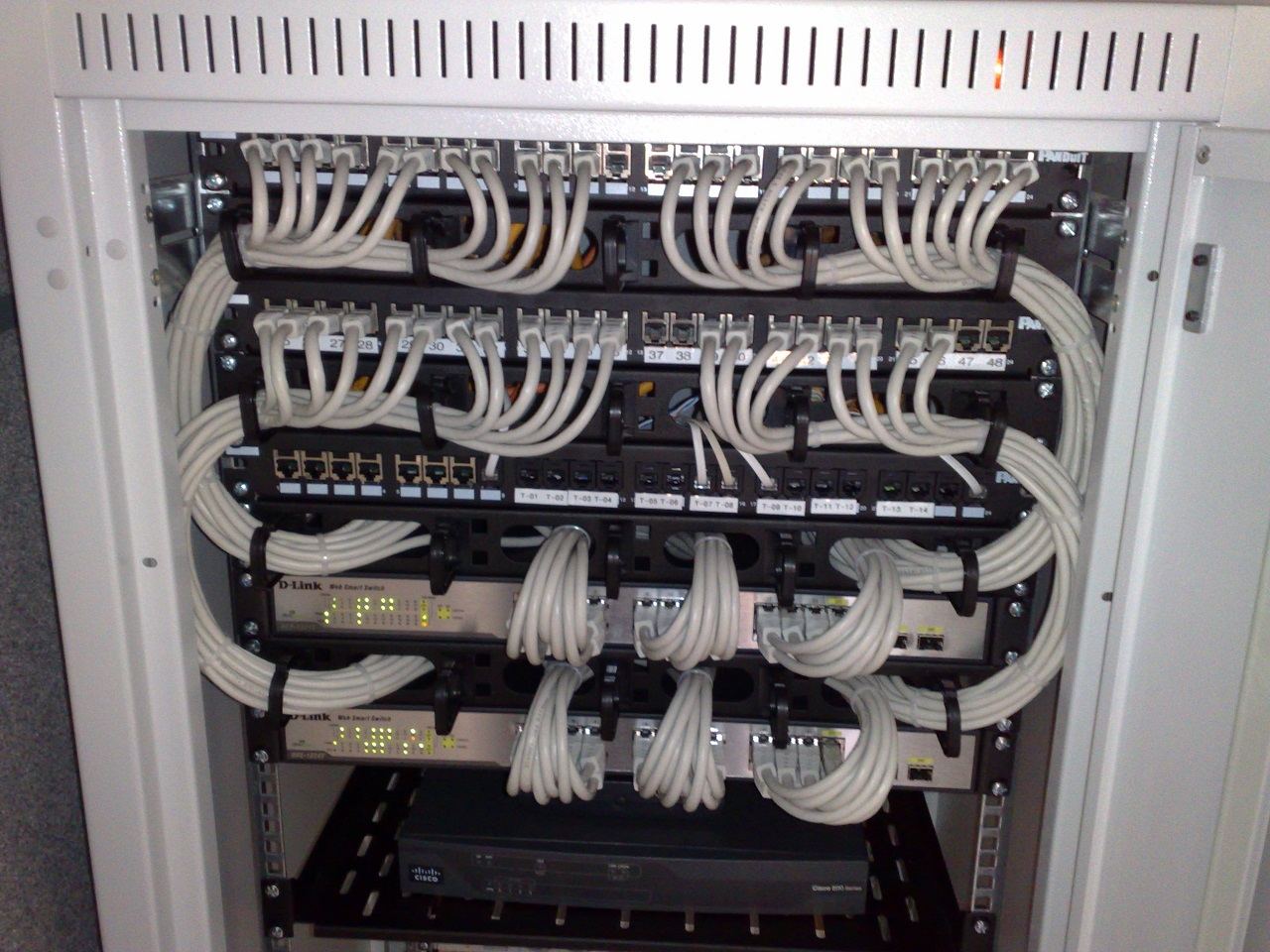
- Inspect the cables: replace anything frayed, kinked or damaged.
- Label both ends of every cable and every switch port. It saves real time the next time something drops.
Check Wi-Fi and connectivity
- Walk the office and check for dead zones where the signal drops.
- Separate guest Wi-Fi from your internal network, so visitors can't reach internal files or hardware.
- Check whether you have a backup internet connection. If your main provider goes down, a second connection keeps things like phones running.
Check the settings that quietly cause problems
- Check DNS, DHCP and the system clock are consistent across the network and written down somewhere central.
Turn what you found into an action plan
Don't leave the findings as a loose list. For every issue: what it is, when you found it, and who's fixing it.
Afternoon audit checklist:
Keep a simple log of these ten checks so the network stays reliable, instead of only getting attention after something breaks.